
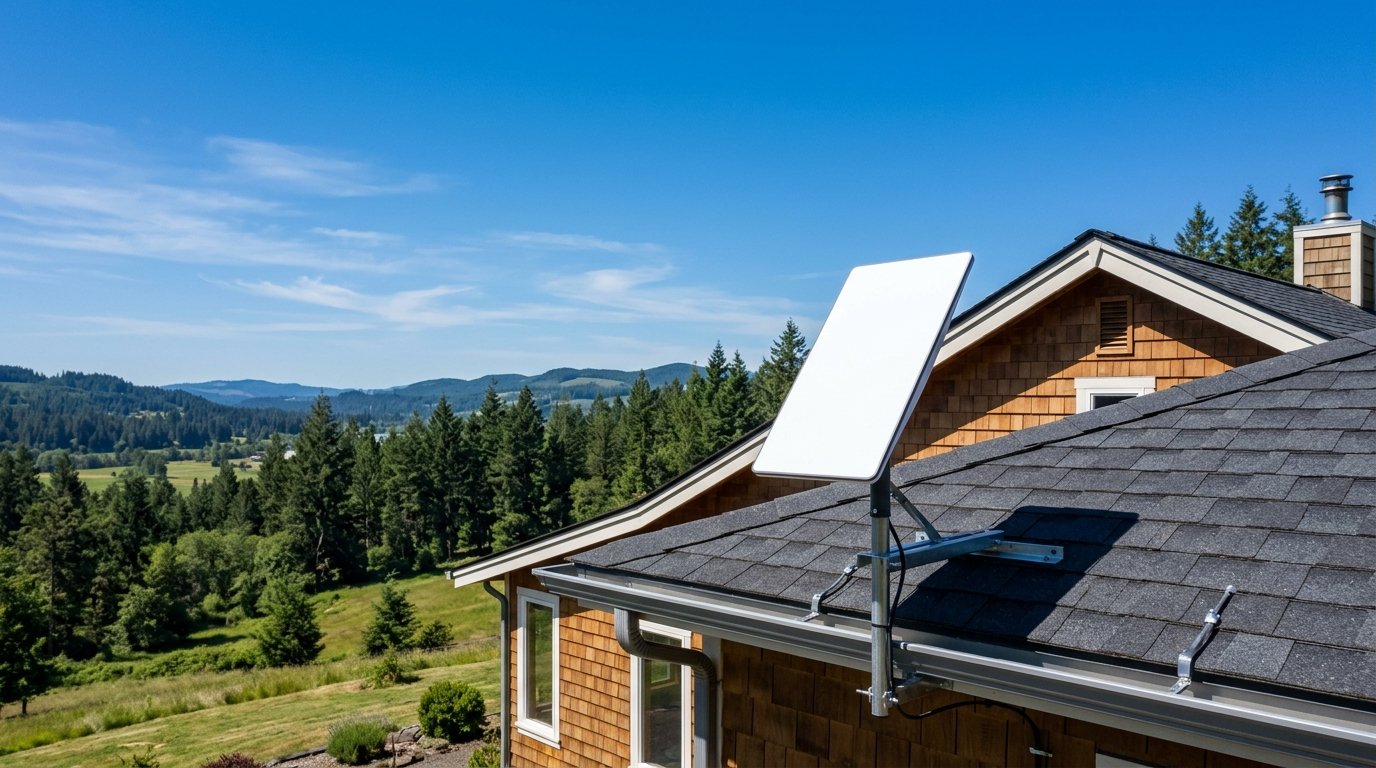
Starlink delivers high-speed broadband to rural and underserved locations using a massive network of satellites orbiting close to Earth. Operated by SpaceX, the service provides high-bandwidth data and responsive latency to households that lack access to traditional cable or fiber optic lines. This practical guide covers how the network operates, what speeds and equipment to expect, and what US residential plans cost today.
How Starlink Satellite Internet Works
Traditional satellite internet services rely on large geostationary satellites parked roughly 22,000 miles above the equator. Because radio signals must travel that enormous distance back and forth, legacy connections suffer from latency exceeding 600 milliseconds. That round-trip delay creates a noticeable lag that disrupts video conferencing, cloud backups, and online gaming.
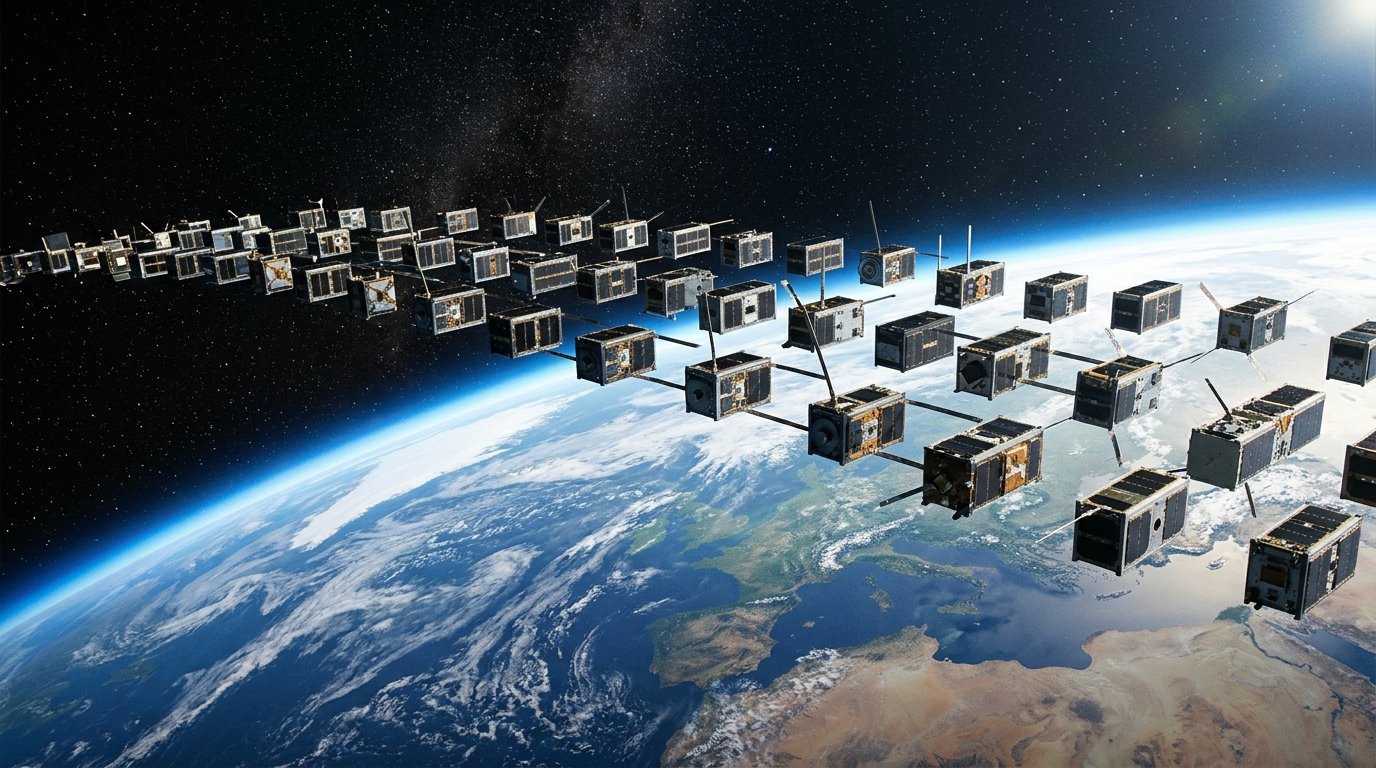
Starlink operates differently by using Low Earth Orbit (LEO) satellites flying between 540 and 570 kilometers (roughly 340 miles) above the ground. Because these spacecraft orbit much closer to the planet, signal travel time drops significantly. Starlink connections typically deliver latency under 50 milliseconds, with average terrestrial response times between 25 and 40 milliseconds.
To deliver continuous internet access, SpaceX has launched over 10,000 Starlink satellites, with approximately 9,700 active and operational in orbit according to Wikipedia tracking data. Ground stations, orbital relays, and compact phased-array user terminals communicate back and forth to keep your home connected as satellites pass overhead.
My take on Starlink
I haven’t used Starlink myself yet. I live in Lahore, Pakistan, where most people I know rely on fiber or mobile data. So this guide is based on Starlink’s official website and published reviews, not on a hands-on test. What interests me most is how satellite internet could help people in rural areas who have no good fixed-line option. If you use Starlink in the US, I’d like to hear how your real speeds compare with the numbers below. You can reach me through the contact page.
The Evolution of the Starlink Network
SpaceX first revealed its satellite internet project in January 2015 at an event in Redmond, Washington. The company launched its first two orbital test prototypes, Microsat-2a and Microsat-2b (often called Tintin A and Tintin B), on February 22, 2018. Just over a year later, on May 24, 2019, a Falcon 9 rocket carried the first operational batch of 60 production satellites into space.
In October 2020, SpaceX opened access to the public through its “Better Than Nothing Beta” program in the northern United States. Early adopters paid $99 per month for service alongside an upfront $499 hardware fee. The network proved stable enough to exit its initial beta testing phase in late 2021.
Hardware improvements followed between November 2023 and early 2024 with the introduction of the Standard Gen 3 user terminal. By mid-2026, network adoption passed 12 million active subscribers across the globe as SpaceX shifted its pricing model to support multiple household budgets alongside other emerging gadget developments shaping 2026.
Current US Residential Plans and Monthly Pricing
For several years, Starlink offered a single flat-rate residential plan for all home subscribers. SpaceX has since restructured its US residential service into tiered download speed options, as reported by CableTV.com. These options let smaller households select an affordable tier without paying for maximum bandwidth.
| Plan Name | Download Speed | Upload Speed | Monthly Cost |
|---|---|---|---|
| Residential 100 | Up to 100 Mbps | 15 to 35 Mbps | $55 |
| Residential 200 | Up to 200 Mbps | 15 to 35 Mbps | $85 |
| Residential Max | Up to 400 Mbps | 15 to 35 Mbps | $130 |
Standard residential plans do not enforce hard data caps, and service is billed on a flexible month-to-month basis with no long-term service contracts. However, upfront activation fees vary by geography. In areas where local satellite cells face heavy network traffic, an upfront network congestion fee ranging from $100 to $1,500 may apply to new residential sign-ups according to BroadbandNow.
Hardware Costs and Gen 3 Equipment Specs
Setting up service requires dedicated equipment to receive and distribute the satellite signal. You can purchase the Standard Gen 3 terminal outright for $349 to $499, depending on regional hardware promotions. SpaceX also offers equipment rental programs in selected areas for $10 per month, with hardware fees waived entirely during specific regional promotions.
The Standard Gen 3 terminal replaces the motorized self-orienting dish found in earlier kits. It uses a stationary phased-array antenna mounted on an integrated kickstand, providing a 110-degree field of view to track satellites electronically. The outdoor antenna holds an IP67 weather-resistance rating and includes an automatic heating system capable of melting accumulated snow at rates up to 85 mm per hour.
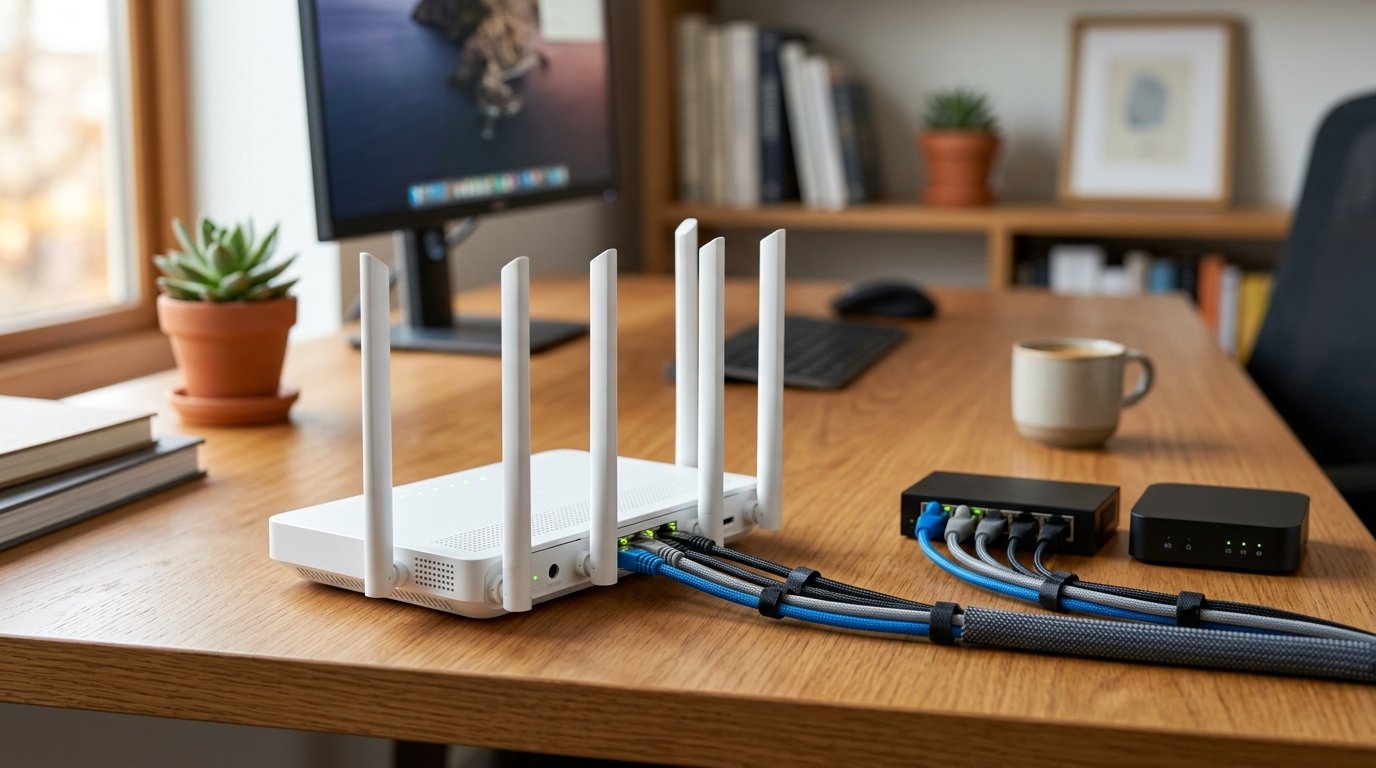
The bundled indoor router features updated wireless hardware, detailed in official Starlink router specifications:
- Wi-Fi Standard: Wi-Fi 6 with tri-band 4×4 MU-MIMO capability.
- Device Capacity: Supports up to 235 simultaneously connected devices.
- Wired Connectivity: Two latching RJ-45 LAN Ethernet ports built directly into the rear panel.
- Power Draw: Averages 50 to 75 watts during standard home operation.
Because the Gen 3 router includes dedicated Ethernet ports, you do not need to buy proprietary external adapters to connect desktop PCs, network switches, or third-party routers.
Step-by-Step Setup and Optimization Guide
Getting Starlink running requires clear line of sight to the open sky. Following proper setup steps ensures your connection remains steady without unexpected packet drops or signal cutouts.
- Verify Address Capacity: Check your exact service address on the Starlink website before buying. The site will confirm local availability, plan options, hardware rental eligibility, and whether an upfront congestion surcharge applies to your cell.
- Scan for Obstructions: Download the free Starlink mobile app for iOS or Android. Use the app’s camera tool to scan the open sky at your proposed mounting location. Because low-orbit satellites move rapidly across the sky, even small tree limbs or roof overhangs will interrupt your data stream.
- Mount and Align the Dish: Place the Gen 3 terminal in an unobstructed area using the kickstand or an official roof mount. Because the Gen 3 dish does not have internal aiming motors, open the Starlink app’s alignment screen and manually swivel the antenna until the graphic confirms proper orientation.
- Route the Cable: Run the included 15-meter (49-foot) data and power cable from the outdoor dish into your home and plug it into the Gen 3 Wi-Fi router.
- Connect Your Home Network: Use the two built-in RJ-45 ports to wire stationary office equipment or expand coverage with existing mesh hardware. This direct connection helps support modern home devices similar to 5G connectivity for smart homes while maintaining reliable data flow.
- Add a Battery Backup: Plug your Starlink router into an inexpensive Uninterruptible Power Supply (UPS). When line power flickers, Starlink equipment requires several minutes to reboot, acquire GPS locks, and calibrate orbital tracking beams. A UPS prevents brief power dips from dropping your active connection.
Limitations and Real-World Trade-Offs
While Starlink provides an upgrade over legacy rural satellite connections, it has distinct limitations when compared to physical terrestrial networks. Peak-hour congestion remains a factor in crowded geographic regions. Between 6:00 PM and 11:00 PM, heavy localized bandwidth demand can temporarily reduce speeds below advertised tier targets.
Weather can also affect your reception. Light rain and ordinary snowfall do not disrupt service, and the internal heater prevents heavy snow buildup on the face of the panel. However, severe convective thunderstorms and torrential downpours can cause rain fade, leading to temporary signal degradation or short disconnects until the dense storm clouds pass.
Customer service responsiveness is another trade-off to consider. Support requests are handled through asynchronous help tickets within the Starlink mobile app rather than a direct telephone support line. Additionally, standard residential equipment is geolocked to your registered physical address; taking the dish on road trips requires a dedicated Roam plan or the compact Starlink Mini terminal.
Frequently asked questions
Can Starlink replace cable or fiber optic internet?
If your home already has access to reliable cable or fiber broadband, those physical connections are generally cheaper, faster, and deliver symmetrical upload speeds without line-of-sight weather disruptions. Starlink is primarily designed for rural or underserved areas lacking reliable wired infrastructure.
Does Starlink have monthly data caps?
Standard US residential plans include unlimited standard data without hard cutoffs or overage fees. SpaceX uses network traffic management policies to deprioritize traffic only during times of peak local network congestion.
Does heavy rain or bad weather shut off Starlink?
Normal rain, wind, and light snow do not interrupt service, and the built-in heater clears snow accumulation up to 85 mm per hour. Extremely dense storm clouds and torrential downpours, however, can absorb satellite radio frequencies and cause brief service drops.
Sources
- wikipedia.org (en.wikipedia.org)
- findcheapbroadband.com (findcheapbroadband.com)
- wikipedia.org (en.wikipedia.org)
- findcheapbroadband.com (findcheapbroadband.com)
- satellitephonestore.com (satellitephonestore.com)
- starlink.com (starlink.com)
- cabletv.com (cabletv.com)
- broadbandnow.com (broadbandnow.com)
Images marked “AI-generated image” were created with Google Gemini for illustration.
