
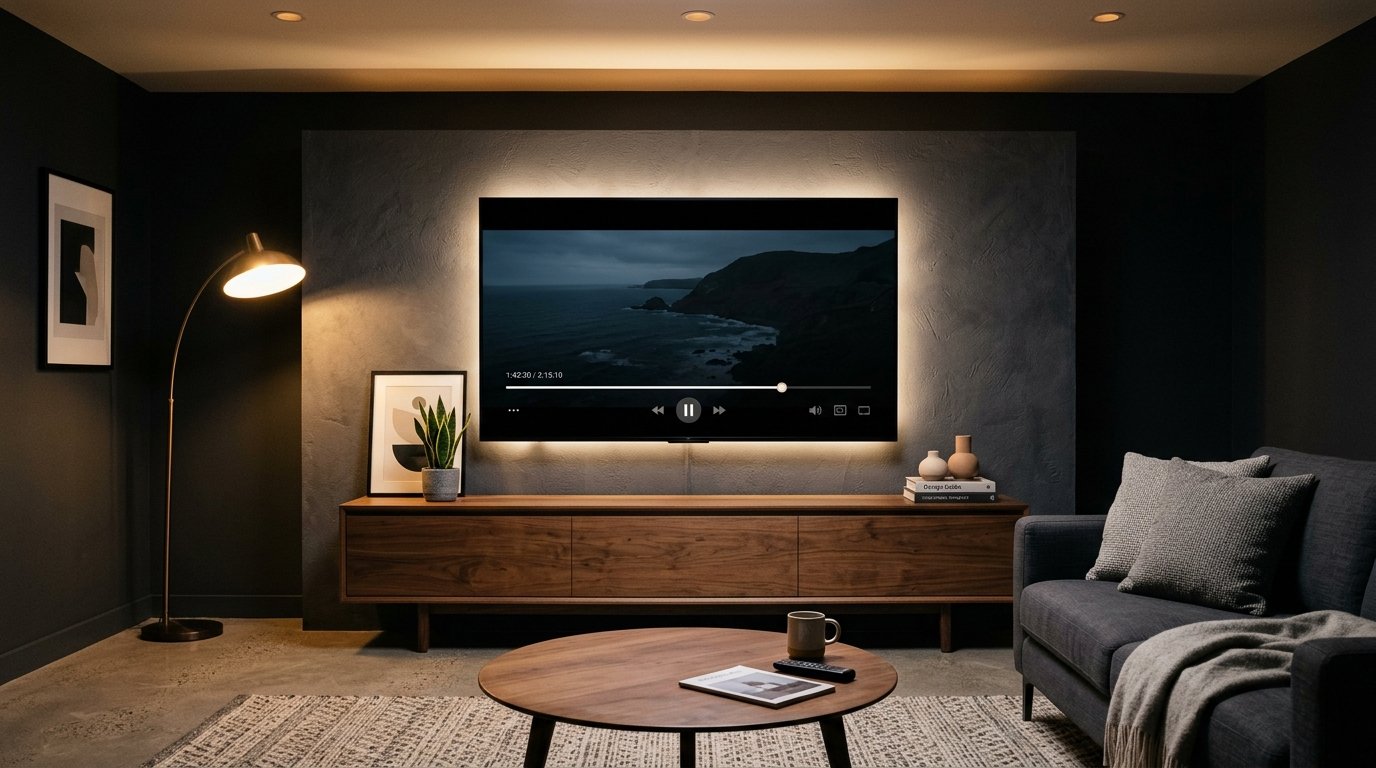
Meta has updated Instagram to bring a native application to Apple TV, allowing users to watch Reels, longer creator videos, and live broadcasts directly on television sets. The update brings the social platform to living-room screens without requiring AirPlay mirroring from a phone. Here is a clear breakdown of what the new television app includes, how it works, and what hardware you need to run it.
What the Instagram Apple TV App Delivers
On October 23, 2026, Meta updated the Instagram application on the Apple App Store to Version 66.0. As reported by MacRumors, this update quietly added native tvOS support alongside existing builds for iPhone and iPad. An archived App Store listing from October 19, 2026, still showed compatibility limited to iOS and iPadOS before the TV version went live.

The dedicated app allows viewers to browse continuous video feeds using the Apple TV remote. Content includes short-form Instagram Reels, episodic programming, longer creator projects, and real-time live broadcasts. According to reporting from Mashable, the interface accommodates both traditional vertical portrait videos and horizontal widescreen videos formatted for home televisions.
My take on this feature
This is a very big feature for Instagram.
Meta’s Living Room Rollout and System Requirements
Apple TV is the newest stop in Meta’s ongoing effort to put social video on television displays. The living-room rollout began with testing on Amazon Fire TV in December 2025. It expanded to Google TV in February 2026 and arrived on Samsung smart TVs in June 2026. This launch also builds on Instagram’s dedicated iPad application, which debuted in September 2025.
To run the app, your hardware must meet specific software guidelines. Coverage from Digital Trends confirms that the Instagram Apple TV app requires tvOS 26.0 or later. Devices running older operating system versions cannot download the build.
As media hardware evolves across the home, streaming platforms have increasingly shifted toward central television hubs. You can see similar hardware developments across our look at popular 2026 gadgets, where connected displays and media boxes continue to receive direct software support from major platforms.
How Viewing Works on the Big Screen
Watching social video on a television is a different experience from scrolling on a smartphone. The interface on Apple TV supports lean-back viewing, meaning you do not have to hold a handheld device or drain your phone battery through continuous wireless streaming. Videos can autoplay continuously, letting viewers watch content creator uploads in sequence.
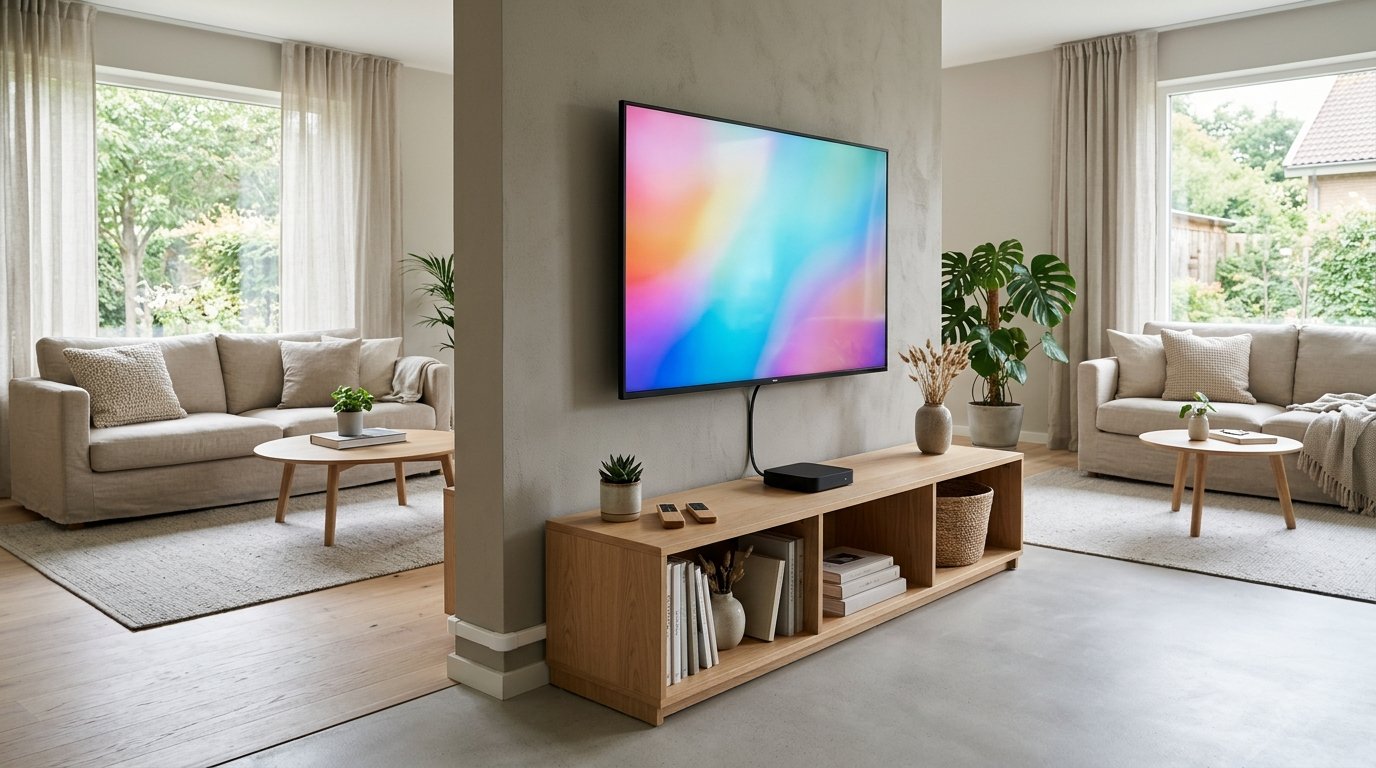
Video formatting automatically adjusts based on how the creator uploaded the footage. Portrait clips remain vertical in the center of the display with side borders, known as pillarboxing. Horizontal videos expand across the full 16:9 widescreen frame. For households sharing a television, The News International reported that smart TV editions generally follow PG-13 content standards for public viewing.
This living-room focus also positions Instagram as a direct alternative to platforms like YouTube. The shift from bite-sized mobile scrolling to shared home entertainment parallels broader trends in digital media, similar to how video platforms change news consumption across different screen sizes.
What This Means for You
If you regularly watch Reels or follow long-form video creators, the new app gives you a couch-friendly viewing setup. You can start a video on your phone while commuting and resume playback on your Apple TV once you get home.
Because the app is built for living rooms, it turns solo mobile viewing into an experience you can share with friends or family. However, heavy screen usage in evening hours can alter rest patterns, an issue we cover in detail in our guide on screen time habits and focus.
How to Install and Set Up the App
Getting the Instagram app onto your Apple TV requires just a few basic steps:
- Verify your software: Open your Apple TV Settings, choose System, and verify that the box runs tvOS 26.0 or higher. Update the software if prompted.
- Open the App Store: Navigate to the App Store icon on the tvOS home screen.
- Search for Instagram: Type “Instagram” into the search bar, select the official app listing (Version 66.0 or newer), and click Get to download.
- Sign in to your account: Log in using your existing Instagram account details. Once signed in, the app connects to your followed creators and personalized recommendation feeds.
What Is Still Unannounced
While the viewing foundation is live, several platform mechanics remain unconfirmed. Reporting has not verified whether interactive smartphone features—such as typing comments, sending direct messages (DMs), or clicking interactive story polls—work through the Apple TV Siri Remote.
Meta has also not shared full details regarding advertising structures. It remains unknown how often commercial breaks will run during television playback compared to the standard mobile feed. Additionally, creator payout structures and subscription revenue splits for views generated on connected TV hardware have not been announced.
Frequently asked questions
Can you post photos or upload Reels from an Apple TV?
No. The Instagram Apple TV app functions strictly as a media player for viewing content, not as an upload or photo-editing tool.
How do vertical Reels appear on a widescreen television?
Vertical videos play centered on the screen with black borders on the left and right sides. Horizontal videos fill the entire 16:9 television display.
Is a paid subscription required to use the app?
No. The app is free to download from the tvOS App Store, though you must log in with an active Instagram account to access feeds.
Sources
- lavx.hu (news.lavx.hu)
- macrumors.com (macrumors.com)
- mashable.com (sea.mashable.com)
- techmeme.com (techmeme.com)
- macrumors.com (macrumors.com)
- digitaltrends.com (digitaltrends.com)
- thenews.com.pk (thenews.com.pk)
- mashable.com (mashable.com)
Images marked “AI-generated image” were created with Google Gemini for illustration.
