

Introduction: The Hype That Shook Tech World
When Apple first announced the Vision Pro, it didn’t just launch a new product — it declared the beginning of a new era of “spatial computing.” For months, tech enthusiasts couldn’t stop talking about it. From the futuristic mixed-reality demos to its jaw-dropping price tag, the Vision Pro quickly became one of the most polarizing gadgets in Apple’s history.
But now that it’s finally in users’ hands, the big question remains: Is Apple’s Vision Pro really worth all the hype — or is it just another expensive tech toy?
Let’s take a deep dive into everything it offers — from design and performance to real-world usability and whether it’s truly the future Apple promised.
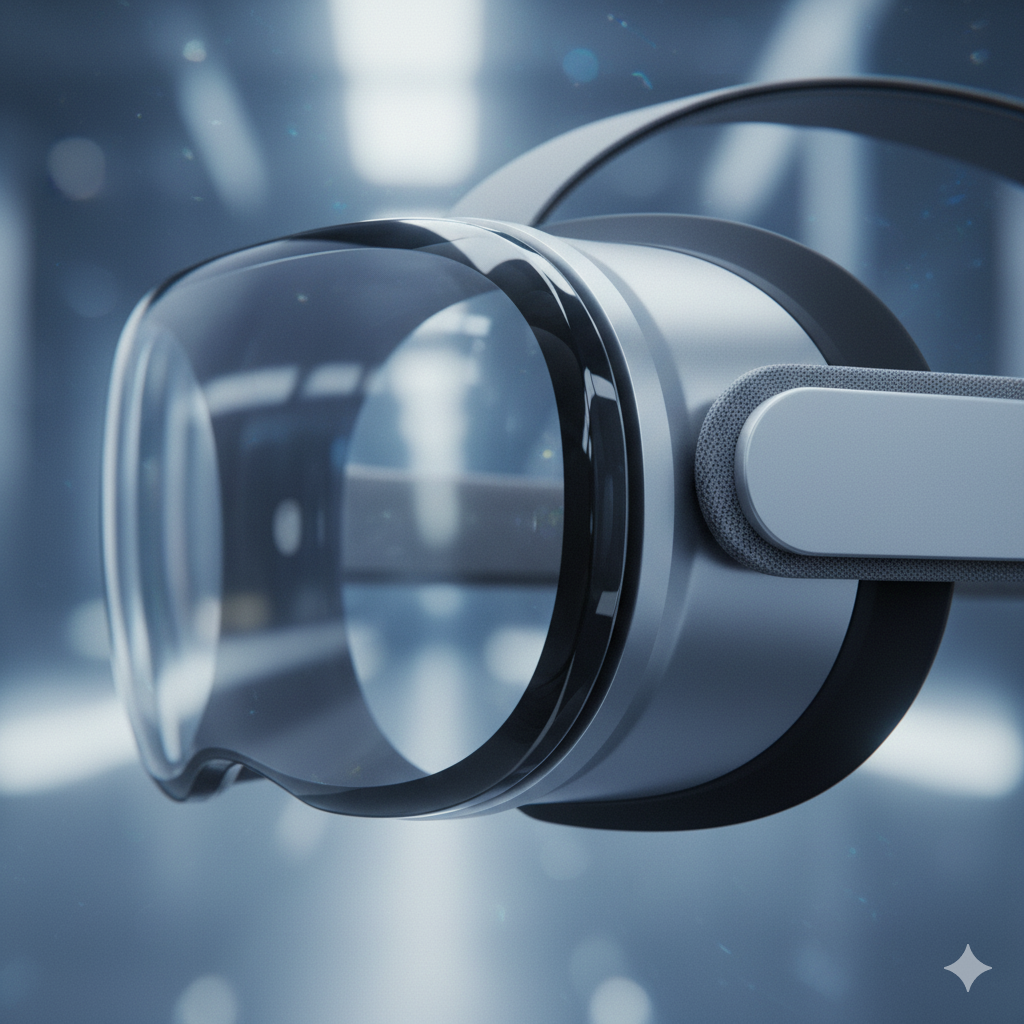
👓 Design & Build: A Masterpiece or Overdesigned Headset?
When it comes to looks, Apple doesn’t disappoint — and the Vision Pro is no exception.
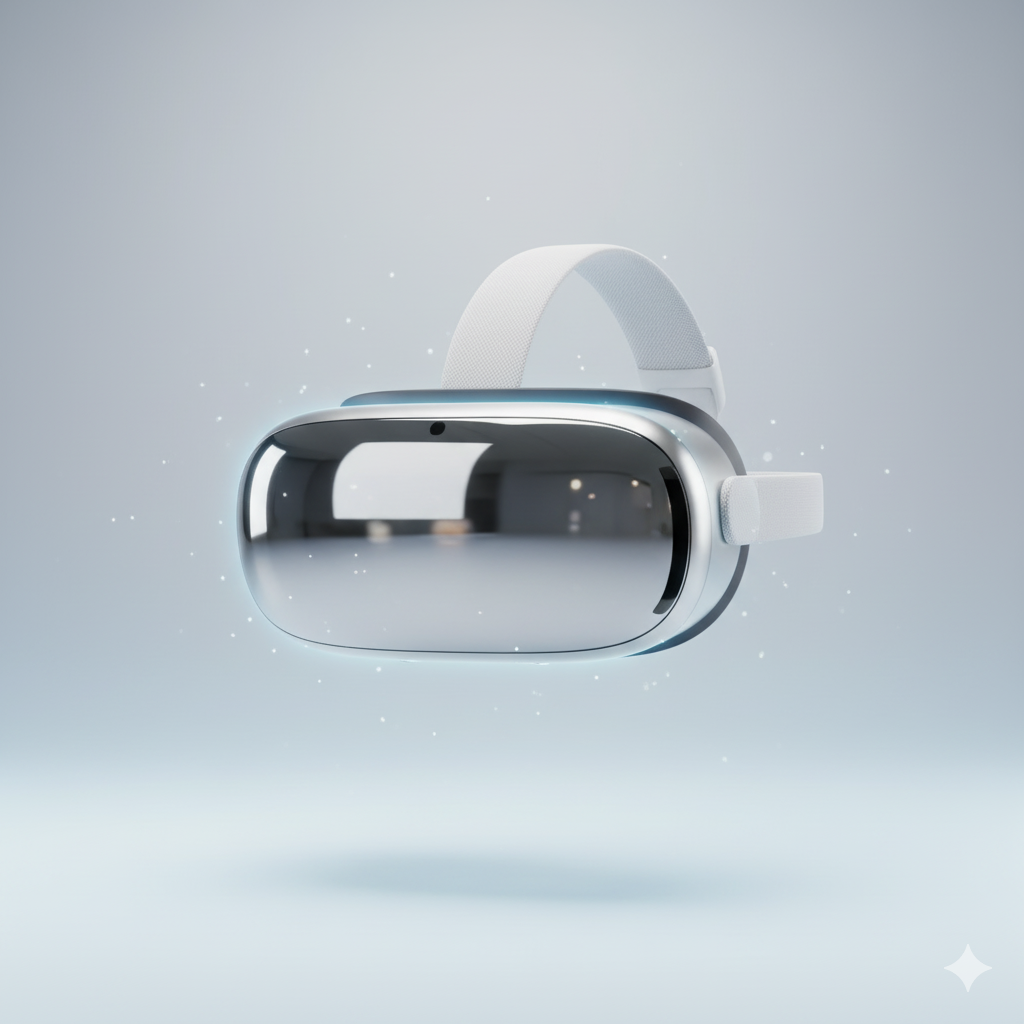
- Build Quality: The combination of aluminum, glass, and soft woven fabrics gives it that premium Apple feel. It’s sleek, sturdy, and surprisingly compact for such a powerful device.
- Comfort: The headband is adjustable and cushioned well, but comfort varies. Some users report that the headset feels a bit heavy after 30–45 minutes of use, especially during long work sessions.
- Attention to Detail: The rotating digital crown (similar to the Apple Watch) allows users to adjust immersion levels between real and virtual worlds — a thoughtful and intuitive design move.
✅ Verdict: It’s one of the most beautiful and premium-looking headsets ever made. But despite its elegant design, long-term comfort still needs refinement.
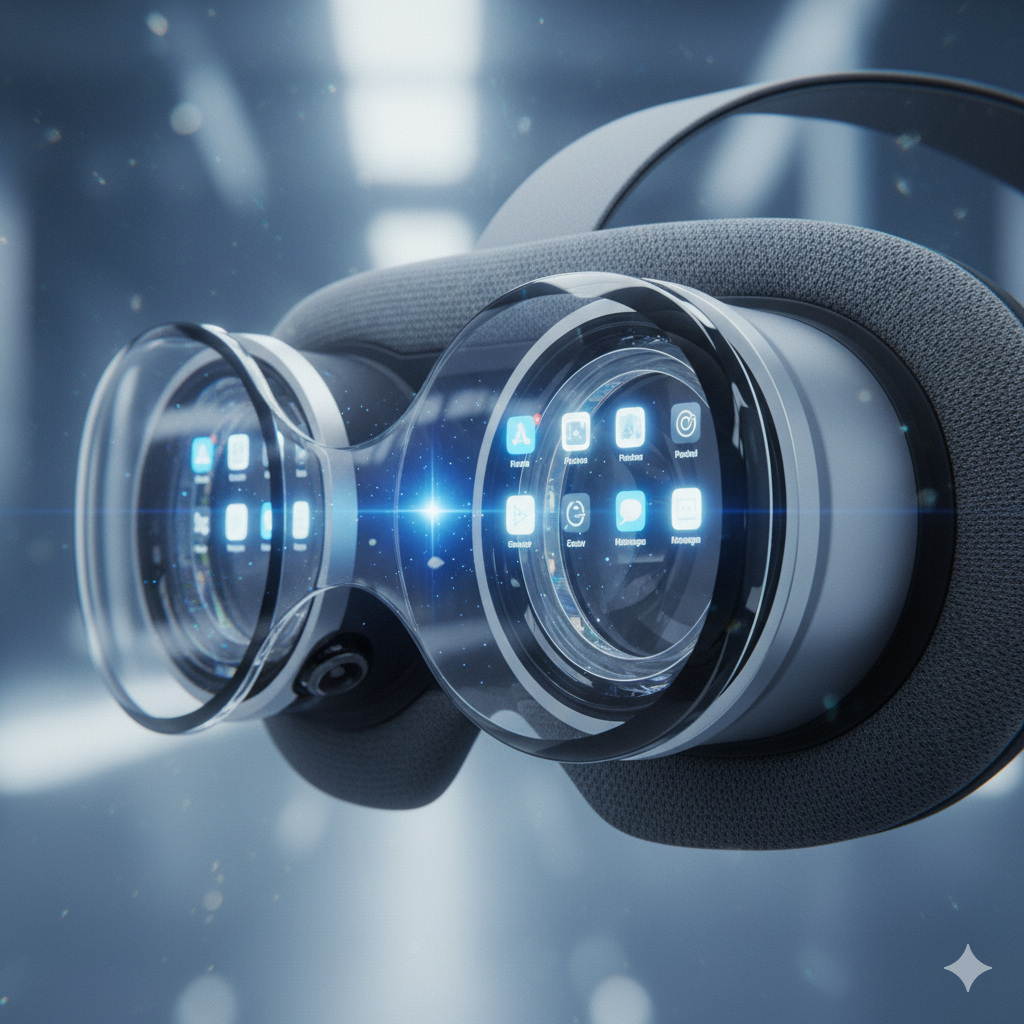
🌐 Display & Visual Experience: Like Looking Into the Future
This is where Apple truly flexes its muscles.
The Vision Pro packs dual 4K micro-OLED displays, which means each eye gets more pixels than a 4K TV. The result? Razor-sharp visuals with deep blacks, brilliant colors, and incredible depth.
When you put it on, the world transforms — apps, videos, and even your Mac desktop appear as floating, high-resolution windows suspended in space. Watching a movie feels like having a private IMAX theater strapped to your face.
Highlights:
- 23 million pixels across both eyes
- 120Hz refresh rate ensures smooth motion
- Eye tracking makes navigating apps incredibly natural — just look at what you want and tap your fingers to select it
- HDR support makes visuals pop, especially when watching cinematic content
💡 Example: Watching Avatar: The Way of Water on Vision Pro feels immersive beyond words — water scenes, reflections, and light play look astonishingly real.
✅ Verdict: Visually, nothing comes close. The Vision Pro delivers the best mixed-reality experience currently available.
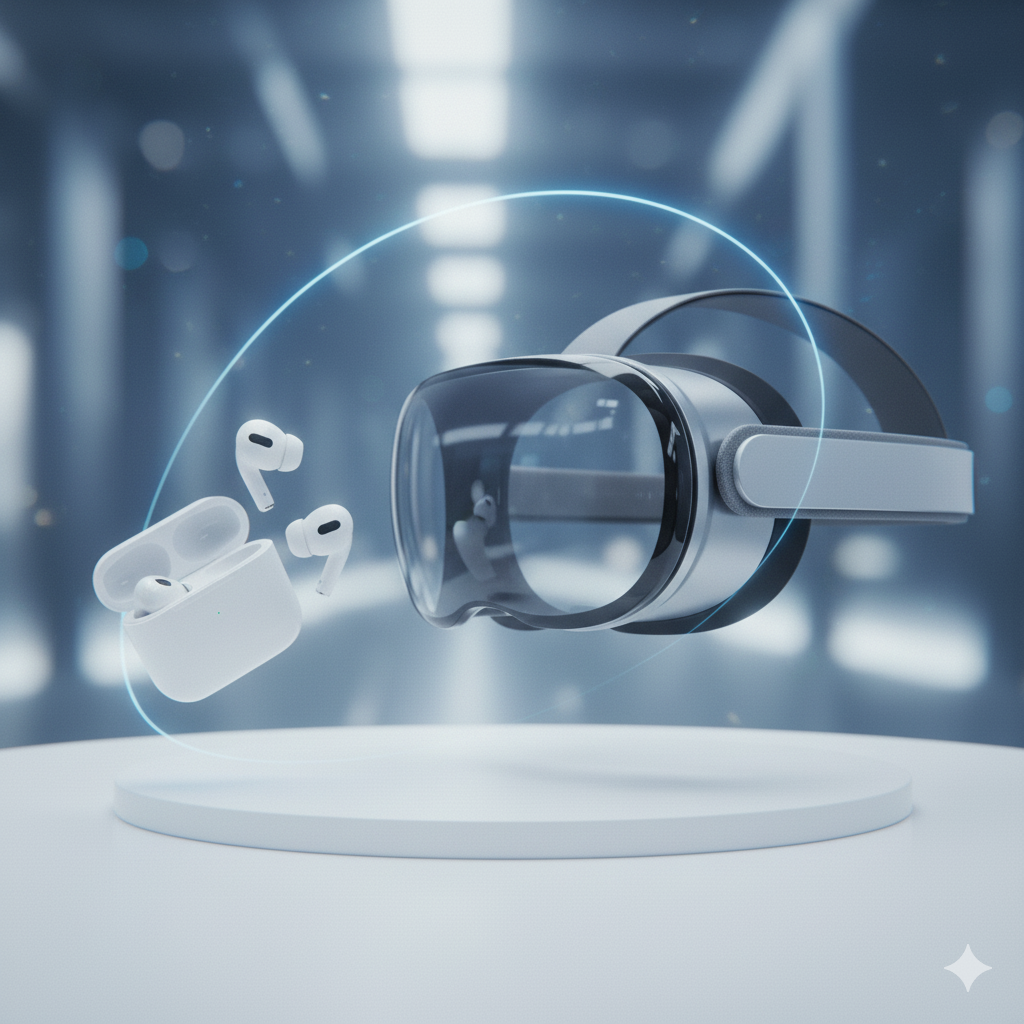
🎧 Audio: Immersive Sound That Adapts to Your Environment
Apple calls it “spatial audio,” and for once, the term isn’t just marketing fluff.
Each ear gets a speaker that projects 3D sound, adapting to your head and room layout. When someone speaks from your left, the sound truly comes from that direction. Add dynamic head tracking, and it feels like you’re inside the audio.
The Vision Pro even supports AirPods Pro for a more private experience — automatically syncing for minimal latency and maximum immersion.
✅ Verdict: Audio quality is rich, immersive, and intelligently tuned — a genuine highlight of the experience.
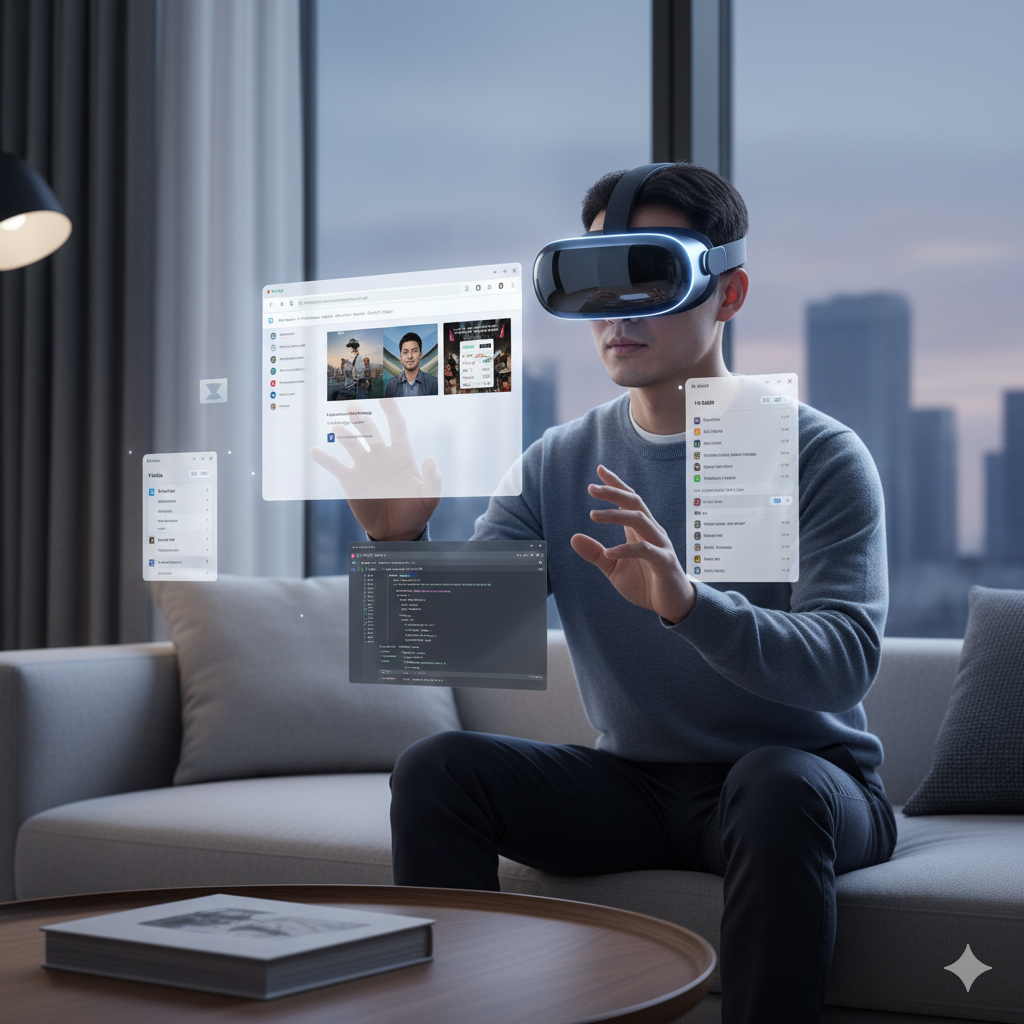
💼 Productivity: Can You Actually Work With It?
Apple wants you to see Vision Pro as more than an entertainment device — it’s marketed as a new way to work.
Imagine opening your MacBook, and instead of staring at a 13-inch screen, your desktop expands into a massive floating workspace. You can place multiple Safari windows, Notes, or Excel sheets around you — and still see your physical keyboard.
It sounds magical, and for the most part, it is.
Use Case Example:
A designer can open Figma on a virtual screen, keep Slack on the side, and view 3D models floating in space — all without a physical monitor setup.
But there are caveats:
- You’ll need a Mac for advanced work integrations.
- Typing in-air (using the virtual keyboard) isn’t practical for long tasks.
- After extended use, eye strain or mild fatigue can kick in.
✅ Verdict: Incredible for creative and multitasking workflows, but not yet ready to replace your daily laptop.
🎮 Entertainment & Gaming: Limited but Promising
While Apple’s marketing emphasized immersive experiences, gaming isn’t Vision Pro’s strongest suit — at least not yet.
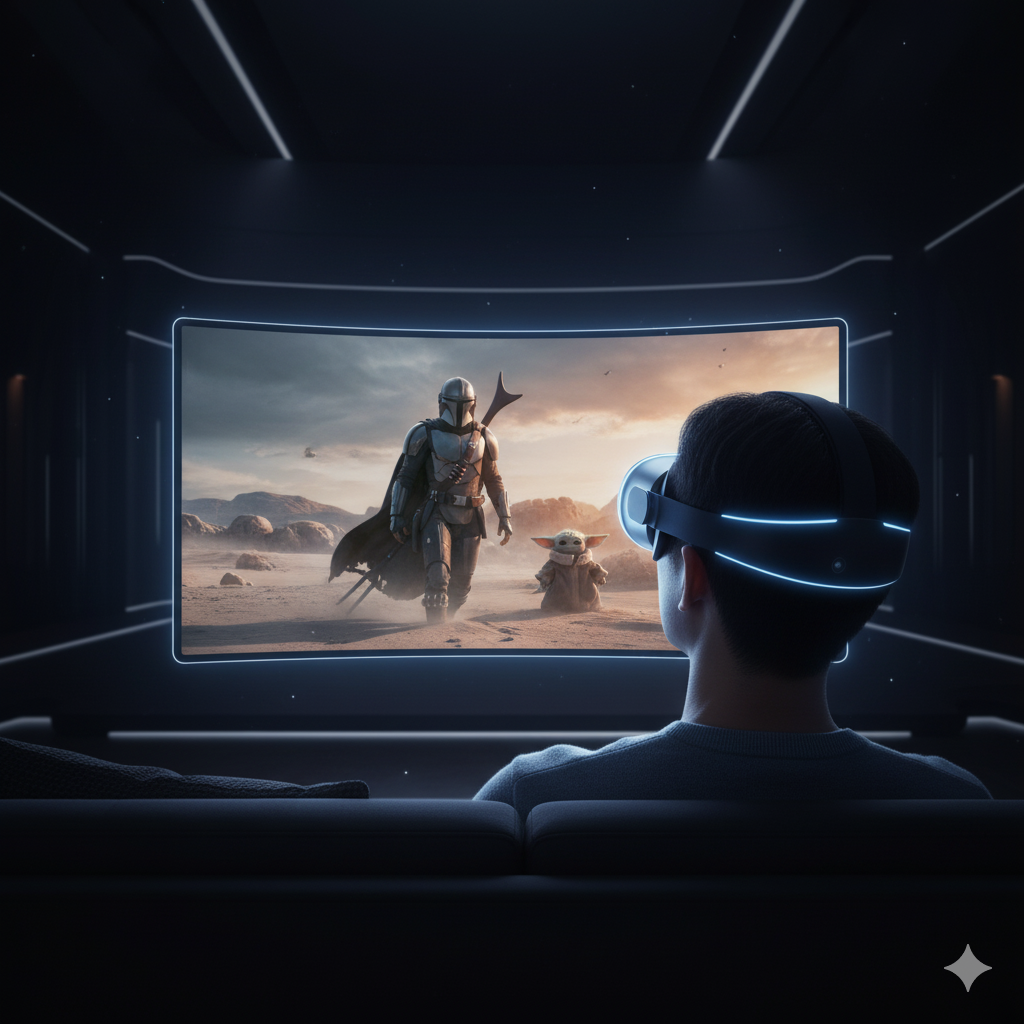
There’s no dedicated gaming controller, and most available games feel like tech demos rather than full experiences. However, streaming Apple Arcade or watching content through Disney+, Apple TV+, and other services is pure joy.
Imagine watching Star Wars in a virtual cinema or relaxing at a beach with a 100-foot movie screen floating before you — that’s the Vision Pro’s magic.
✅ Verdict: As a cinematic entertainment device, it’s phenomenal. As a gaming platform, still in its early days.

🔋 Battery Life: The Shortest Story Here
Here’s the downside — battery life is only about 2 hours on the external power pack.
Yes, you can use it plugged in, but the wired battery hanging from your pocket feels awkward for a $3,500 device. Apple probably prioritized performance and display quality over battery longevity, but it’s a noticeable limitation.
✅ Verdict: Great for short sessions, not ideal for all-day use.

🧩 Apps & Ecosystem: Apple’s Biggest Advantage
What makes Vision Pro stand out isn’t just hardware — it’s Apple’s software ecosystem.
The visionOS interface feels futuristic yet familiar. You’ll find native apps like Safari, Messages, Photos, FaceTime, and more, all reimagined for spatial interaction.
During FaceTime calls, Vision Pro creates a “Persona” — a digital version of your face generated using machine learning. It’s not perfect, but it helps you appear natural in video calls even while wearing the headset.
Plus, developers are already creating new apps specifically designed for spatial computing — from 3D design tools to meditation experiences.
✅ Verdict: Apple’s ecosystem integration is unmatched. If you’re already using a Mac, iPhone, and iPad, Vision Pro fits right in.

💰 Price: The Elephant in the Room
Let’s address the obvious — $3,499 is a huge investment.
For many people, that’s the price of a high-end laptop and a smartphone combined. The Vision Pro isn’t a mass-market device — it’s aimed at early adopters, developers, and professionals exploring spatial computing.
However, the value you get depends on your use case:
| Use Case | Worth It? | Why |
|---|---|---|
| Creative professionals (designers, 3D artists, filmmakers) | ✅ Yes | Excellent for immersive design and prototyping |
| Movie lovers & tech enthusiasts | ⚖️ Maybe | Stunning visuals, but very expensive |
| Casual users or students | ❌ No | Overpriced for basic use or entertainment only |
✅ Verdict: It’s worth it only if you have a strong use case or the budget for experimentation.
🧭 Real-World Impressions: Living With the Vision Pro
After the first “wow” moments fade, the Vision Pro becomes a blend of innovation and compromise.
- It’s the best display experience in a consumer headset.
- It feels futuristic and intuitive.
- But it’s heavy, expensive, and not yet essential for everyday tasks.
For professionals, it’s a glimpse into the future of computing. For average users, it’s more of a luxury experience than a necessity — at least for now.
🏁 Conclusion: So, Is It Worth the Hype?
Apple’s Vision Pro is a technological marvel — a perfect example of how far human innovation has come. It redefines what a computer can be, merging the physical and digital worlds seamlessly.
However, it’s also a first-generation product, which means it’s not flawless. The short battery life, weight, and price make it impractical for everyday users.
Link to Apple’s official page:[Apple Vision Pro Official Page](https://www.apple.com/apple-vision-pro/)
Link to a trusted tech reviewer (optional):[The Verge’s Apple Vision Pro Review](https://www.theverge.com/)
